Rattilha

Freeno ads, no account

Your daily companion
with the Book of Allah

The Mushaf in your colours, recitation by 39 reciters, prayer times that follow your location with adhan, azkar, a hadith library and a Quran memorisation plan — in one calm app whose sky changes with the prayer time, no account and no ads.

Download for Android In closed testing onGoogle Play
  • Completely free
  • No ads
  • No account
  • Android 8+
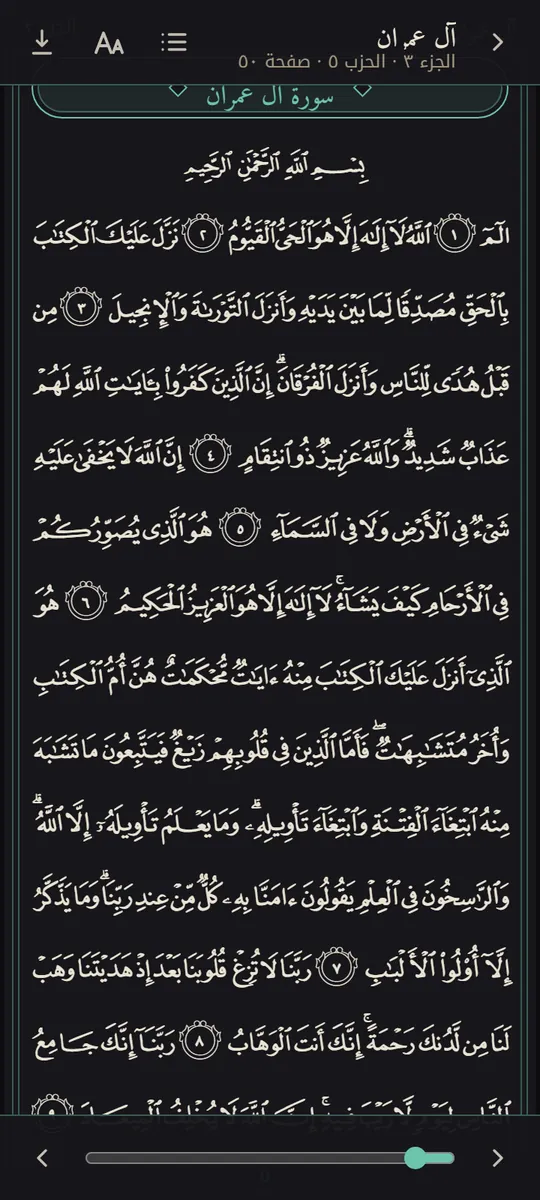
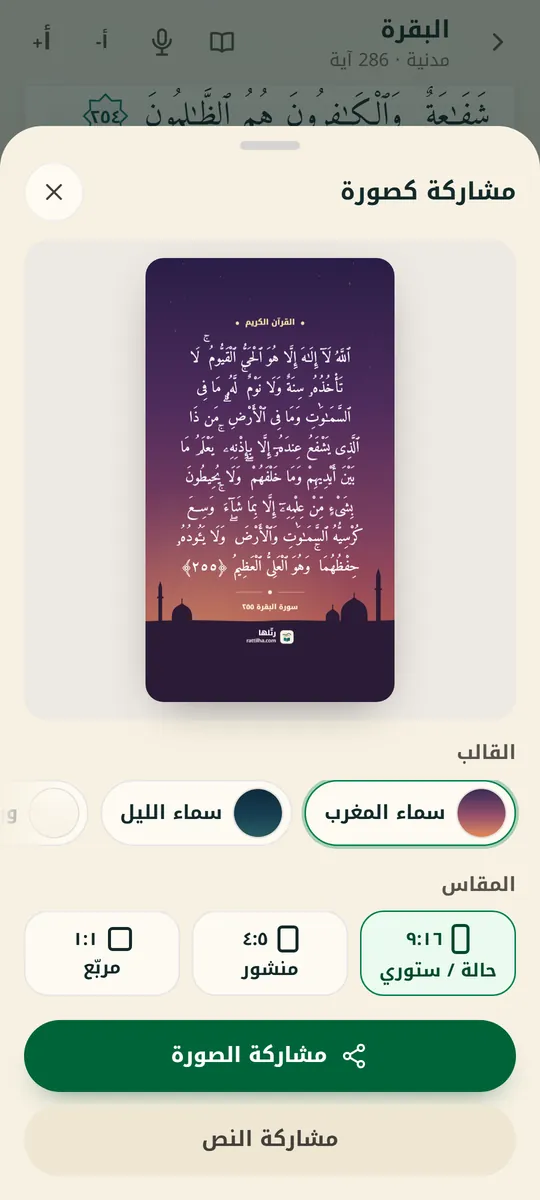
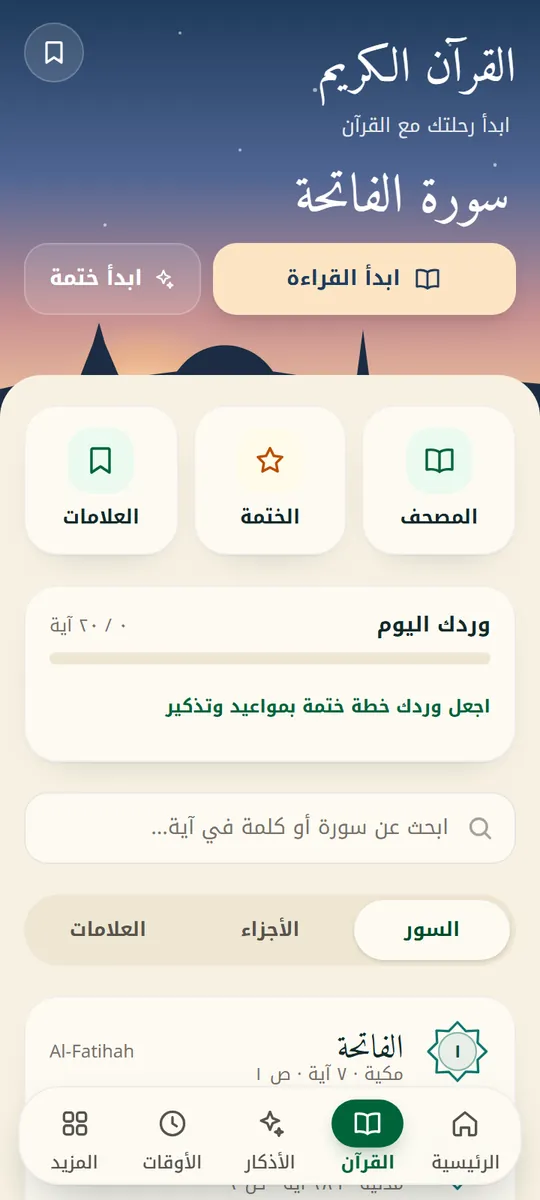
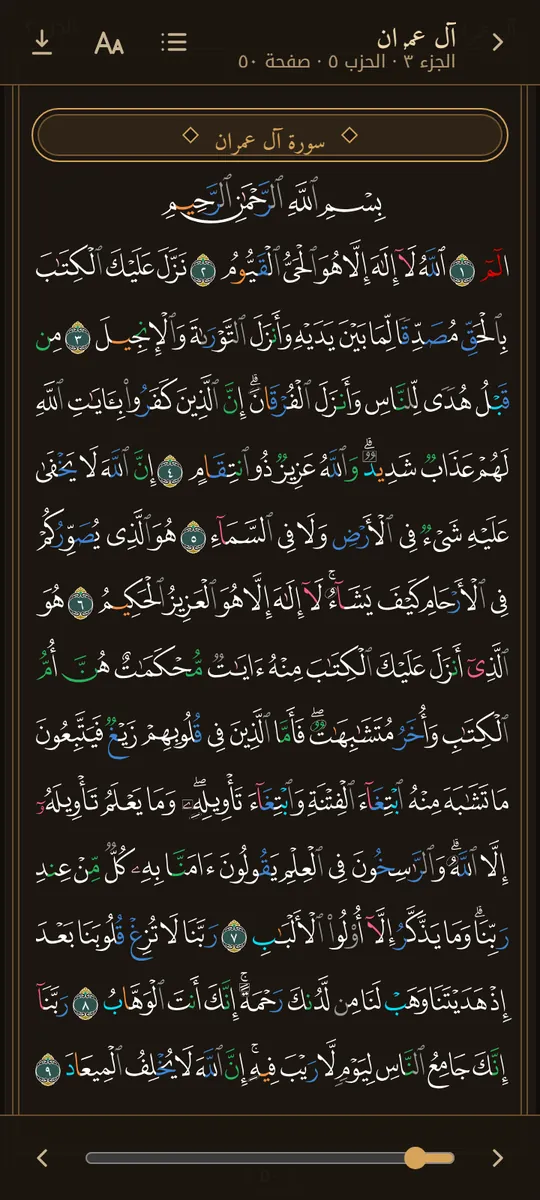
The Quran screen in Rattilha

﴿وَرَتِّلِ الْقُرْآنَ تَرْتِيلًا﴾Al-Muzzammil 73:4

Features

Everything for your day

From the Fajr adhan to the bedtime azkar.

The Quran, the way you like to read it

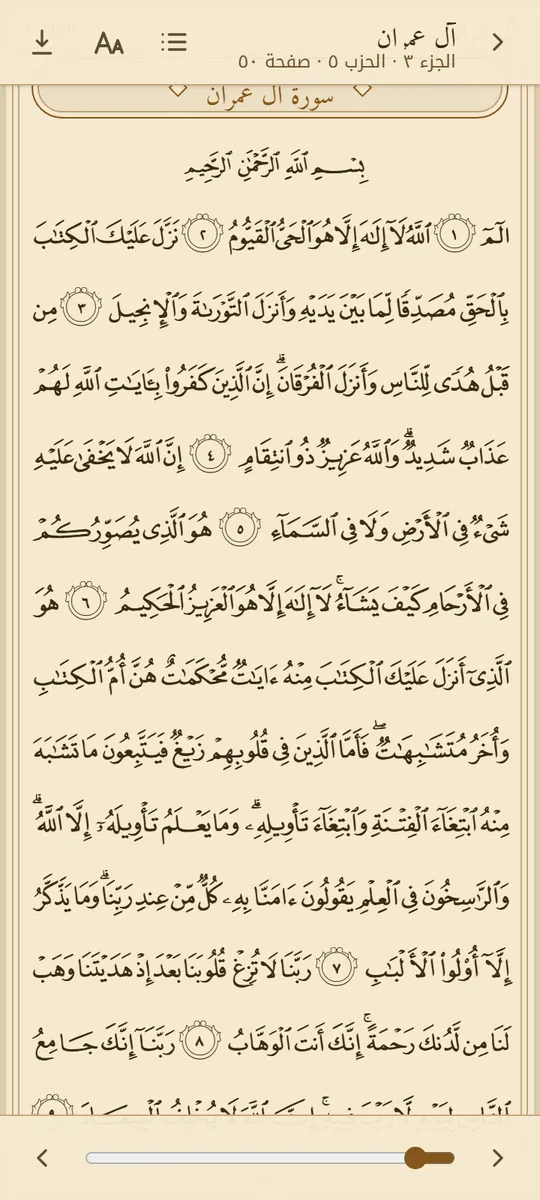
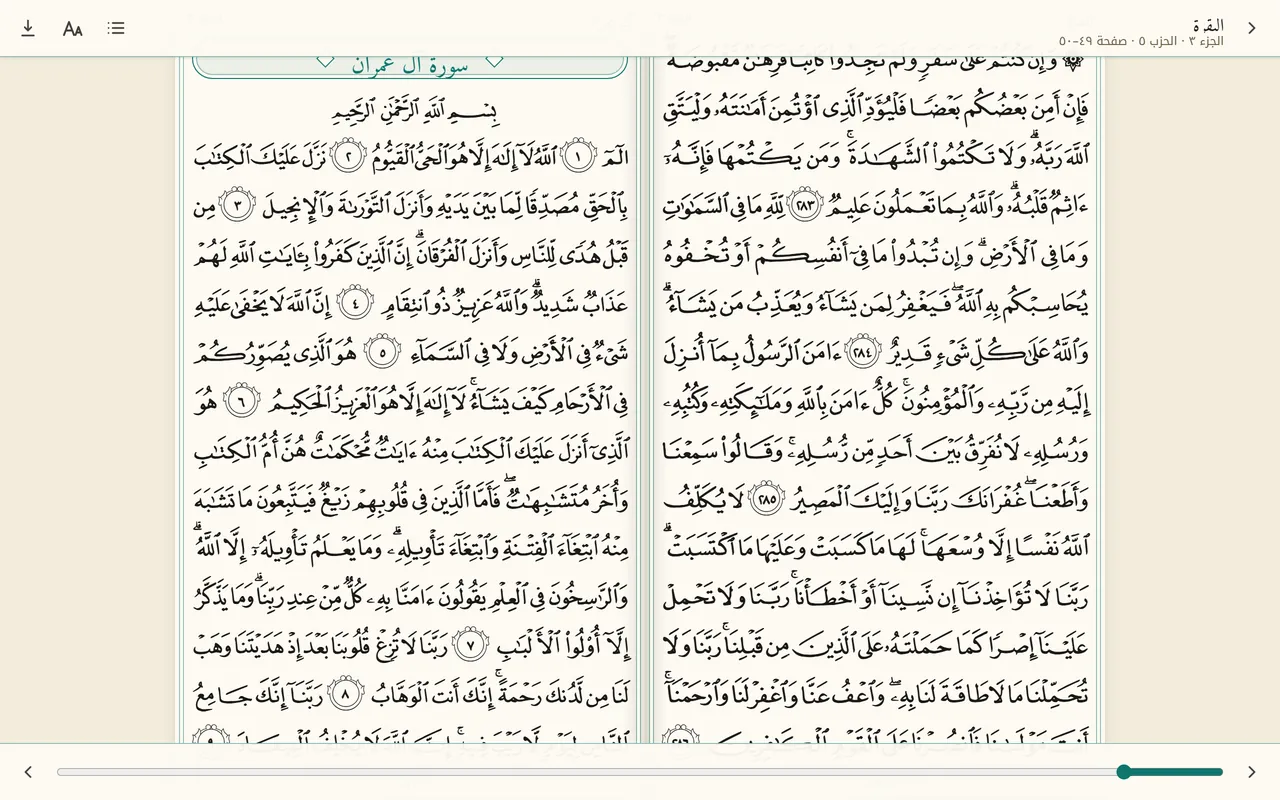
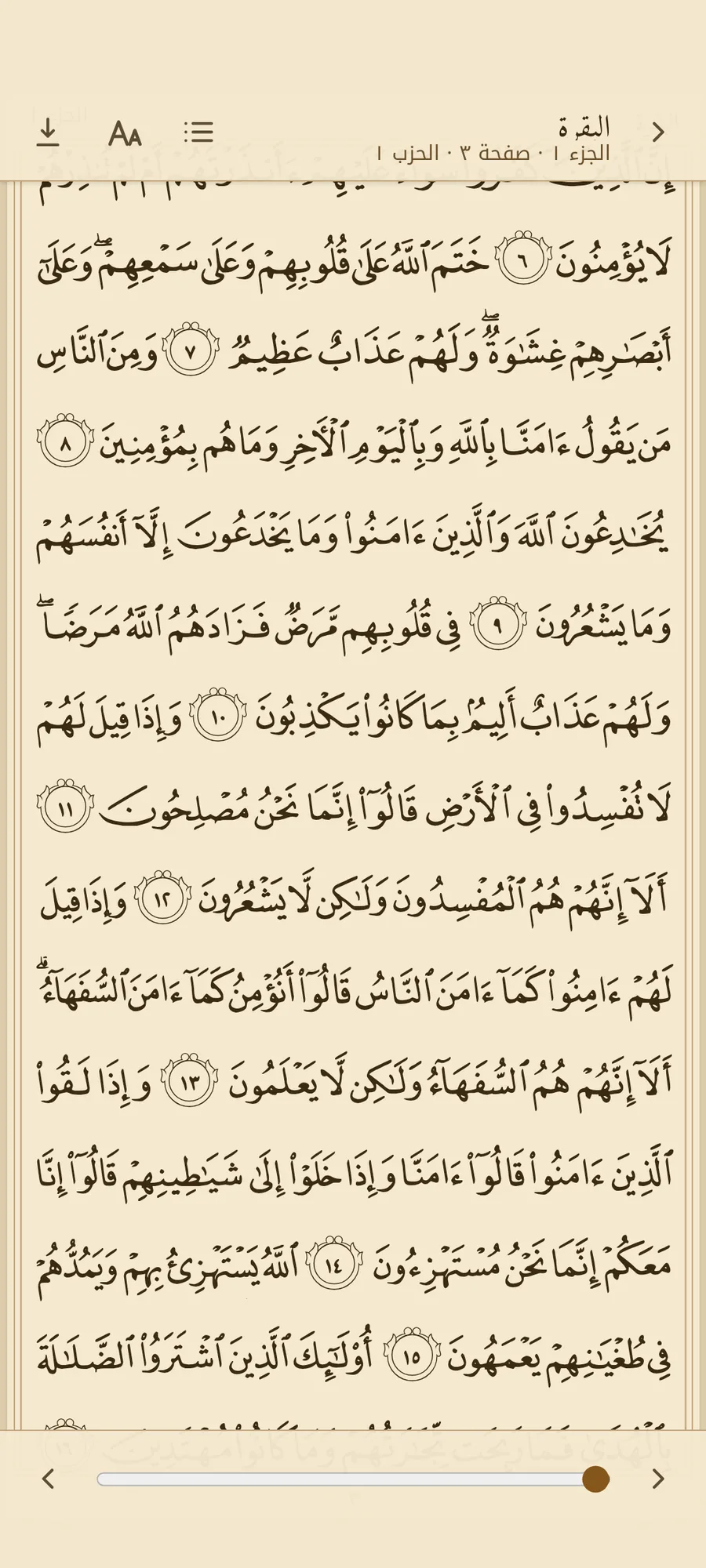
The Madinah Mushaf's 604 pages just like the printed copy, on paper that is easy on your eyes day and night — and you can download it all to read offline.

  • Three styles: Madinah Mushaf, colour-coded tajweed, and plain text.
  • 10 paper colours, three of them dark for night reading.
  • Swipe pages or scroll, and two facing pages on a tablet.
  • 39 reciters, Tafsir al-Muyassar, and verse repeat for memorising.
Every prayer on time, wherever you are

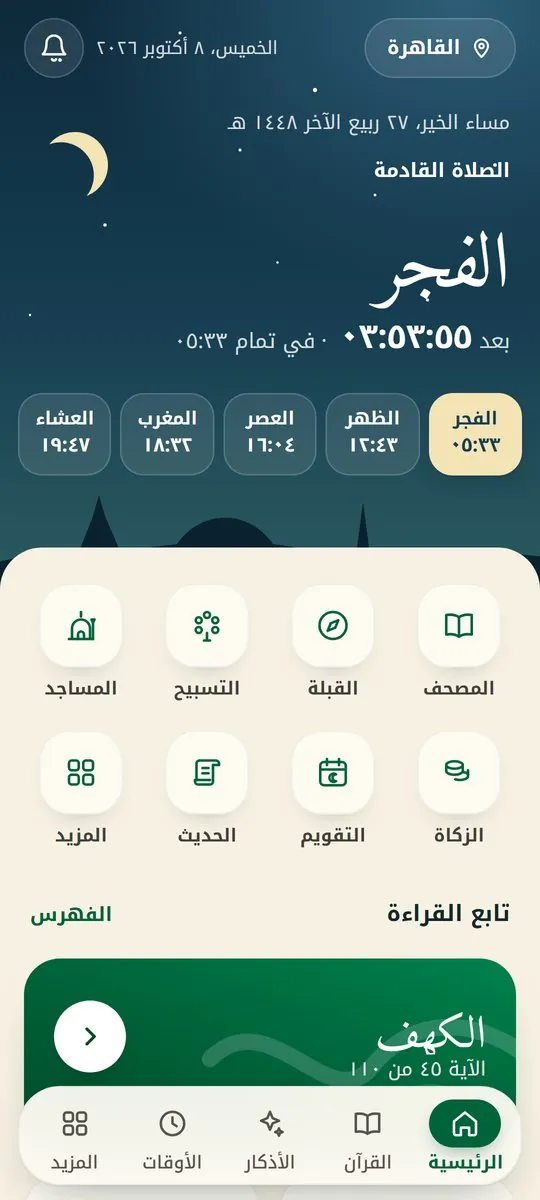
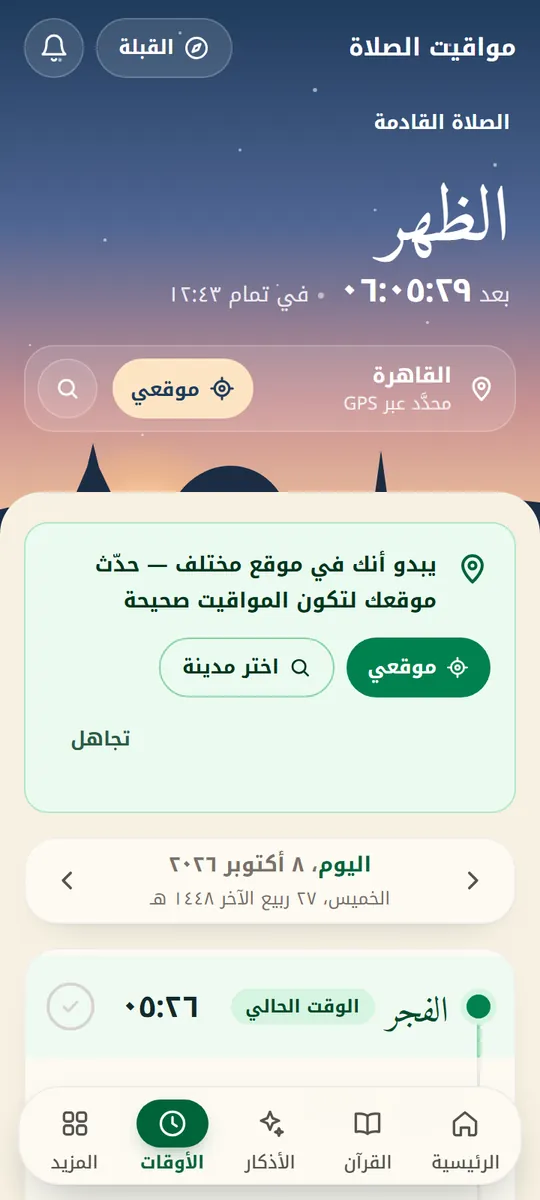
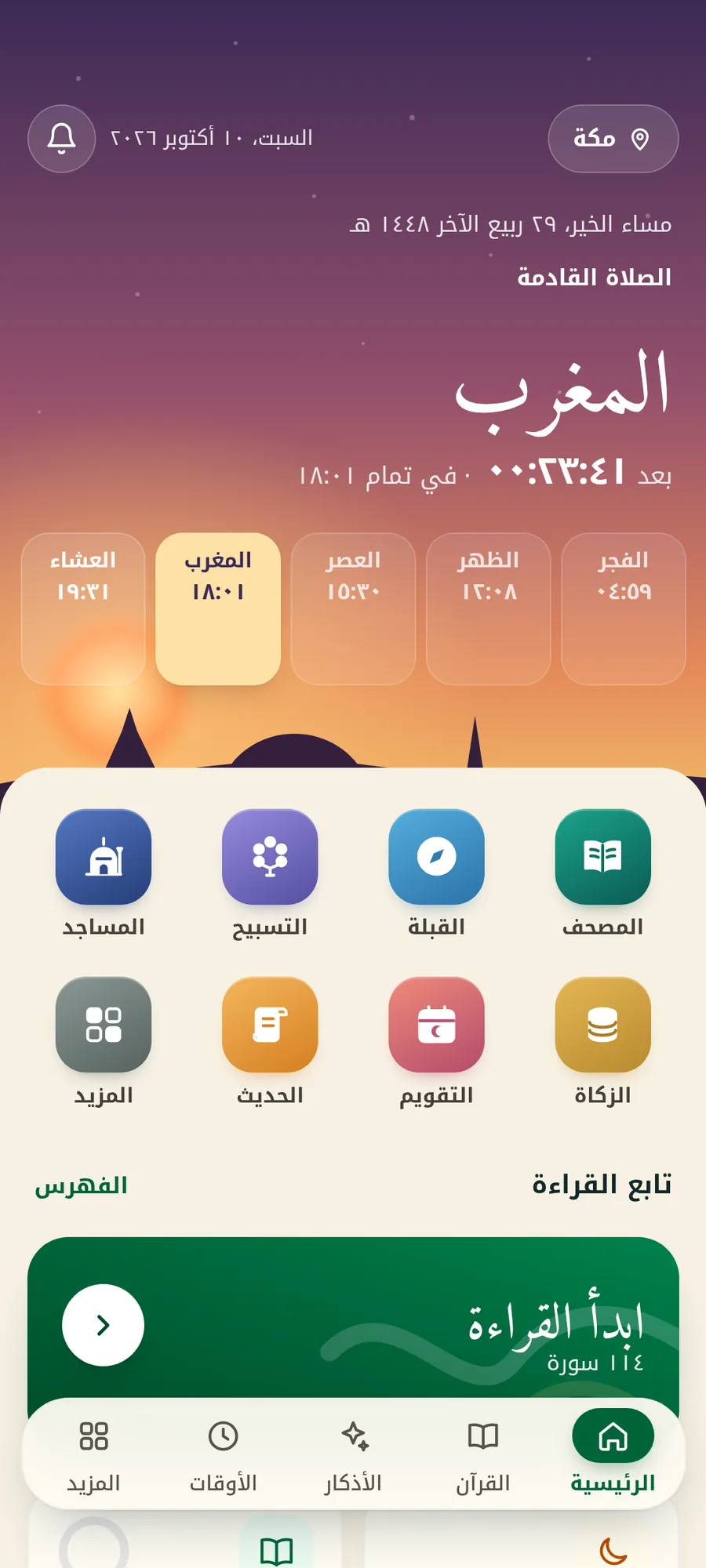
Prayer times follow where you really are: open the app in another city and your location and times update by themselves.

  • Adhan in full or takbir only, set per prayer.
  • An optional ongoing notification in the colours of the sky, showing the next prayer and the time left.
  • Prayer tracking with the “Prayed ✓” button on the adhan notification.

Remembrance and hadith

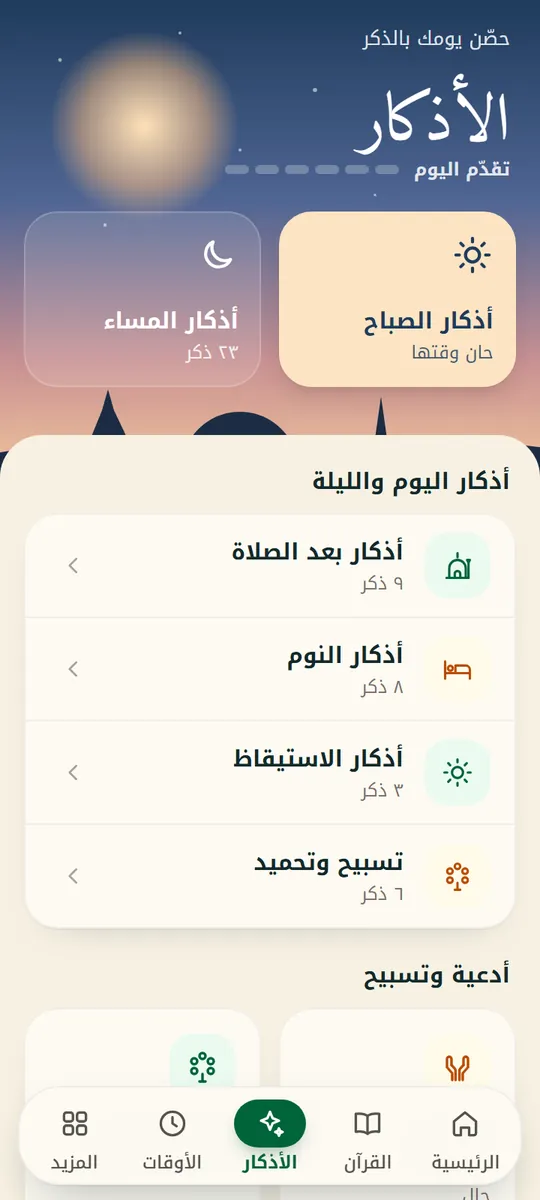
Your daily azkar with a counter for each, and a hadith library drawn from well-documented sources.

  • Azkar: morning, evening, after prayer and before sleep, with reminders on time.
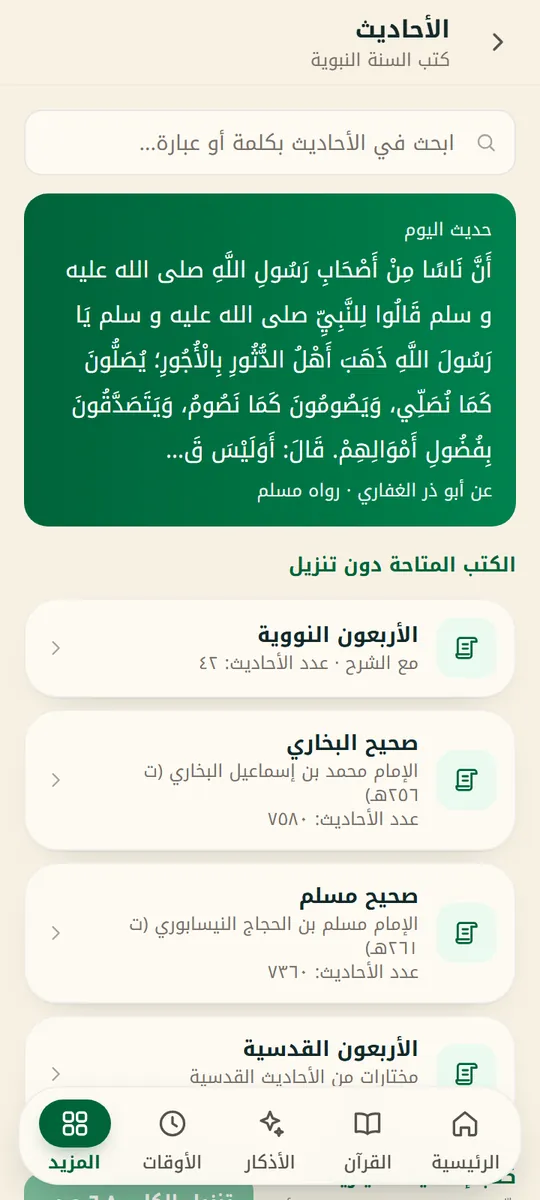
  • Bukhari and Muslim, Hadith Qudsi and the Forty Nawawi — all offline.
  • Abu Dawud, Tirmidhi, Nasa'i, Ibn Majah and the Muwatta to download when you need them.
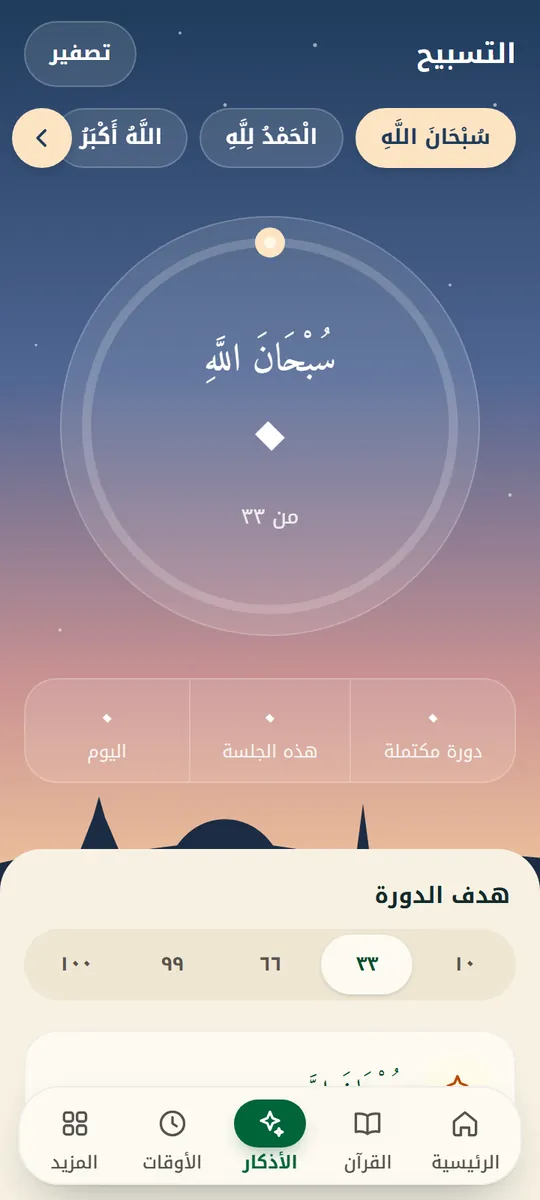
  • Tasbih, sourced duas, and the 99 Names of Allah.

Also in the app

  • Khatmah plans

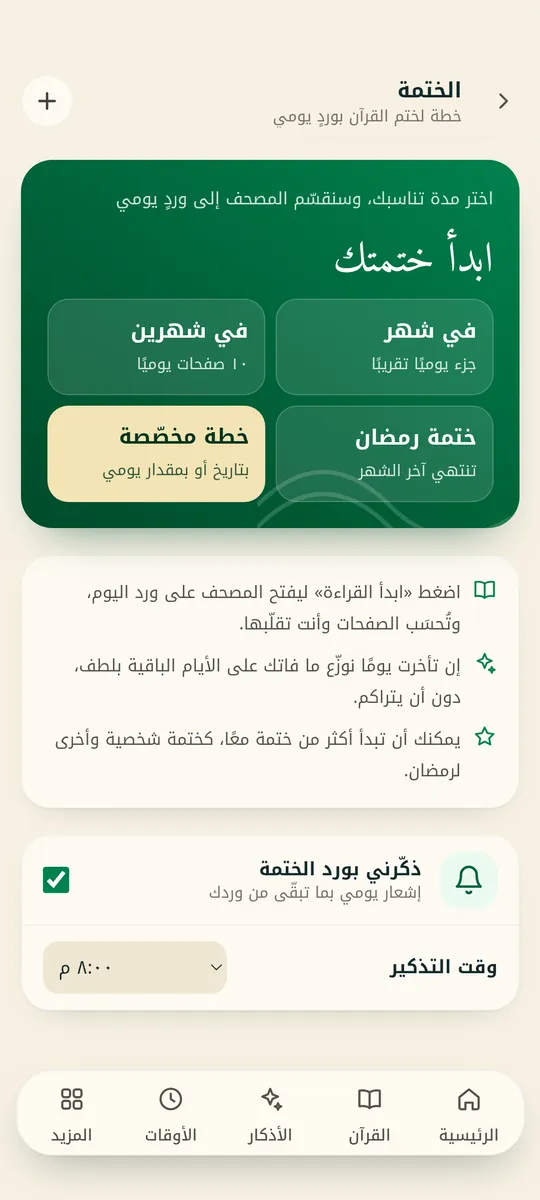
    Pick a plan — one month, two months, Ramadan or your own length — and the app splits your daily portion and reminds you at the time you choose.

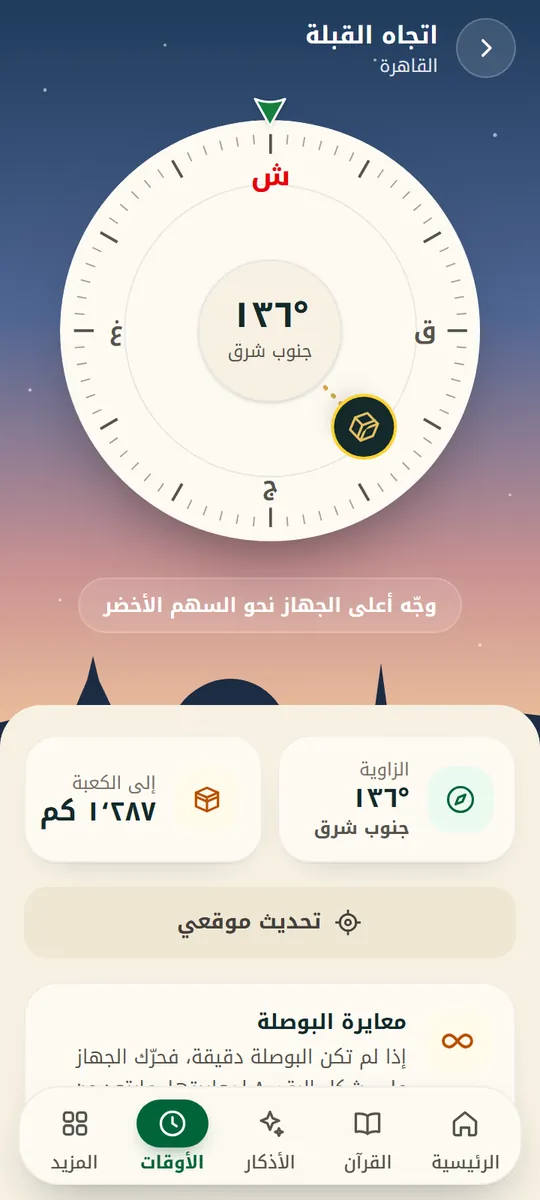
  • Qibla & nearby mosques

    A qibla compass from where you are, and a list of the nearest mosques with a button to open them in your maps app.

  • Hijri calendar

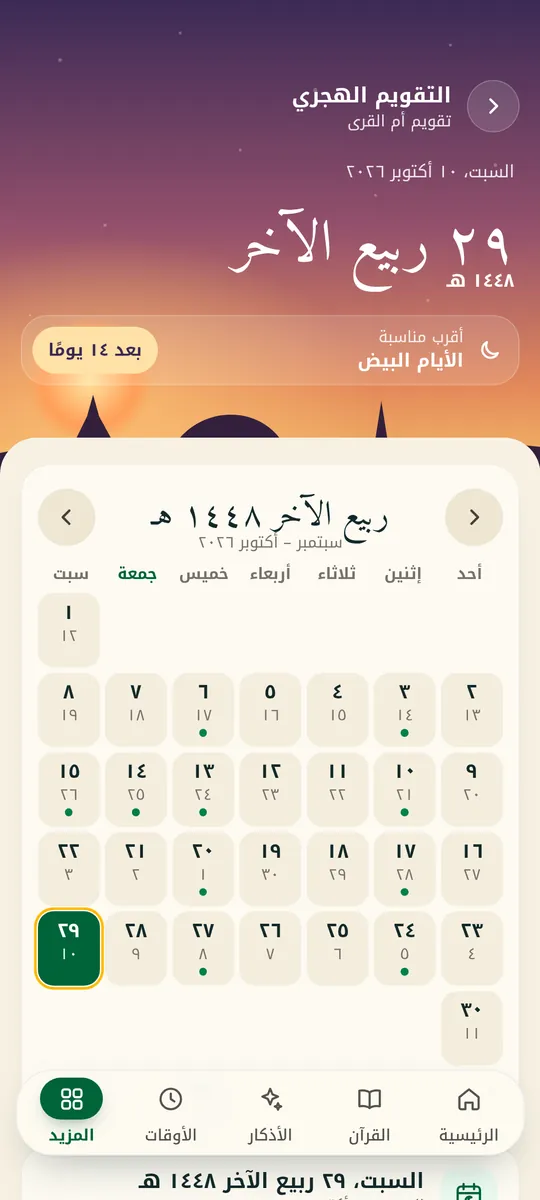
    The Hijri date and Islamic occasions, Hijri–Gregorian conversion, and optional reminders for fasting days.

  • Zakat calculator

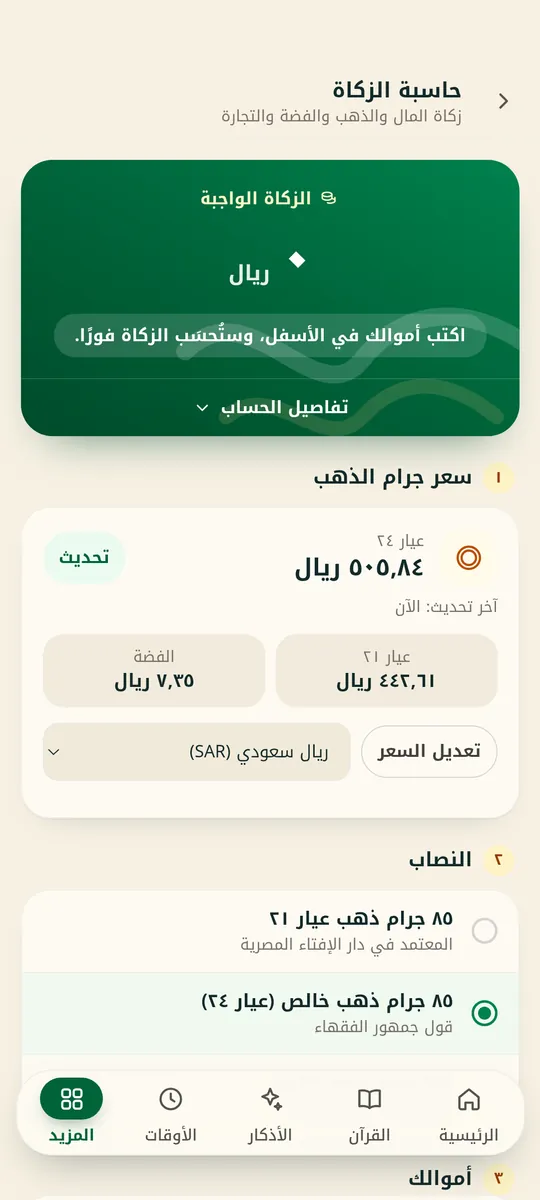
    Work out zakat on money, gold, silver and trade goods at today's gold price in your currency, with the nisab explained and sourced.

  • Widgets

    Prayer times, next prayer, verse of the day, dua of the day, tasbih, prayer tracker and qibla — on your home screen.

  • Prayer & fasting tracking

    Log your prayers in the app or from the adhan notification, log your fasting days, and follow your progress.

  • 39 reciters

    Pick the reciter right from the surah screen, listen verse by verse, and download surahs to listen offline.

  • Verse repeat

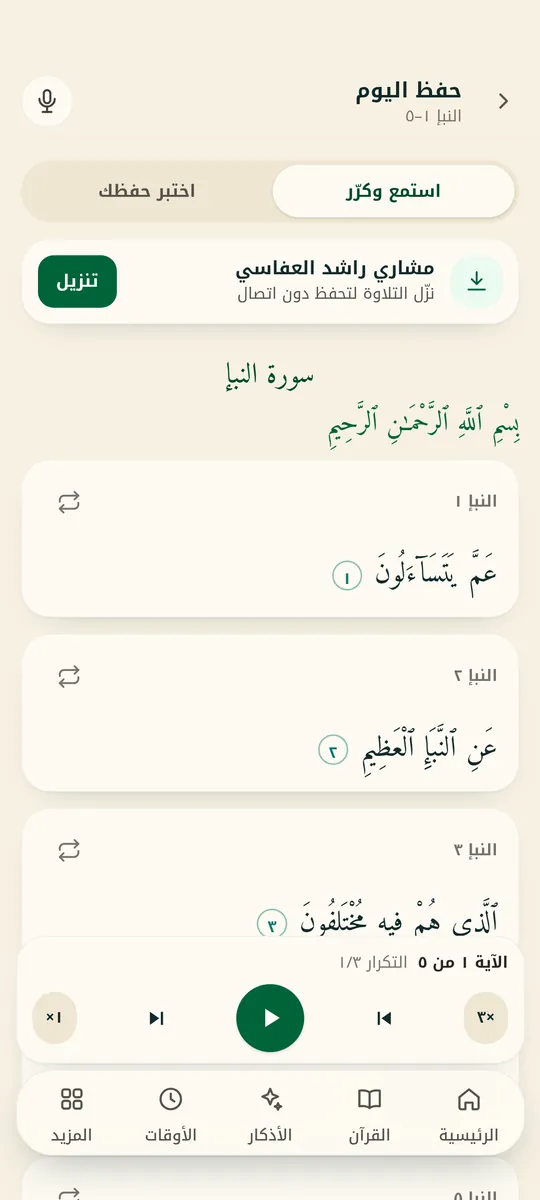
    Repeat a verse 3, 5 or 10 times or endlessly, or loop a range from one verse to another — made for memorising.

  • Send feedback

    Share an idea or report a problem from inside the app — we read every message.

New in version 1.3

Learn, memorise, draw closer

New sections built on the Quran and authentic Sunnah, with every source shown.

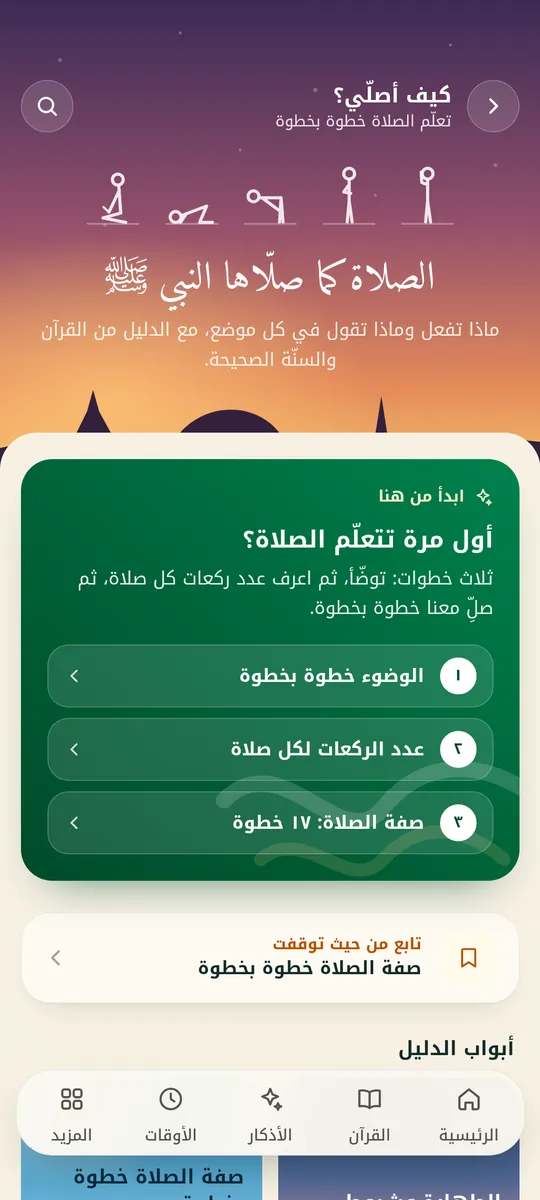
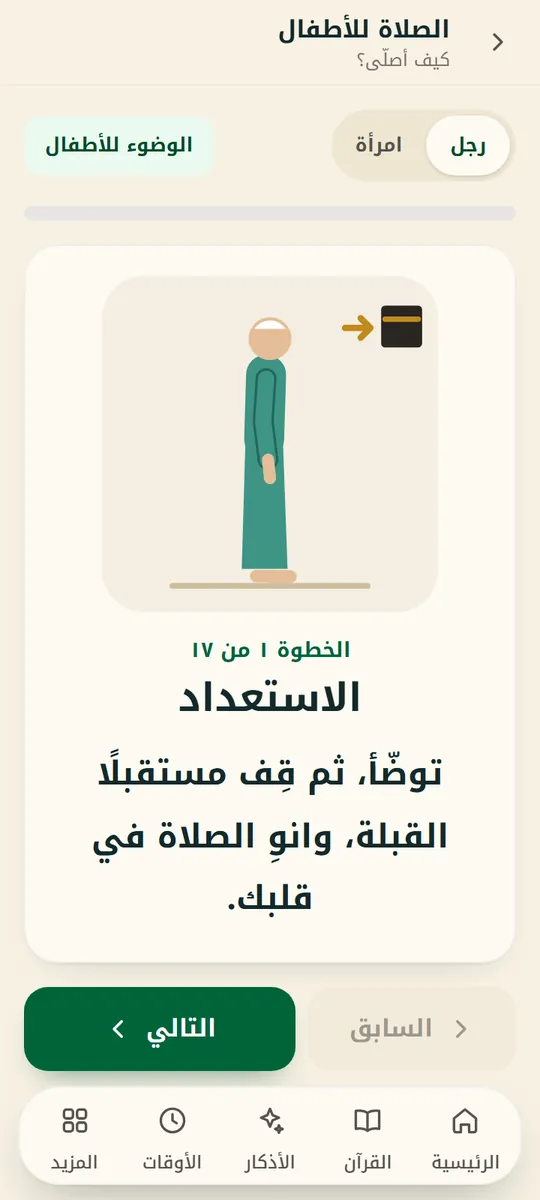
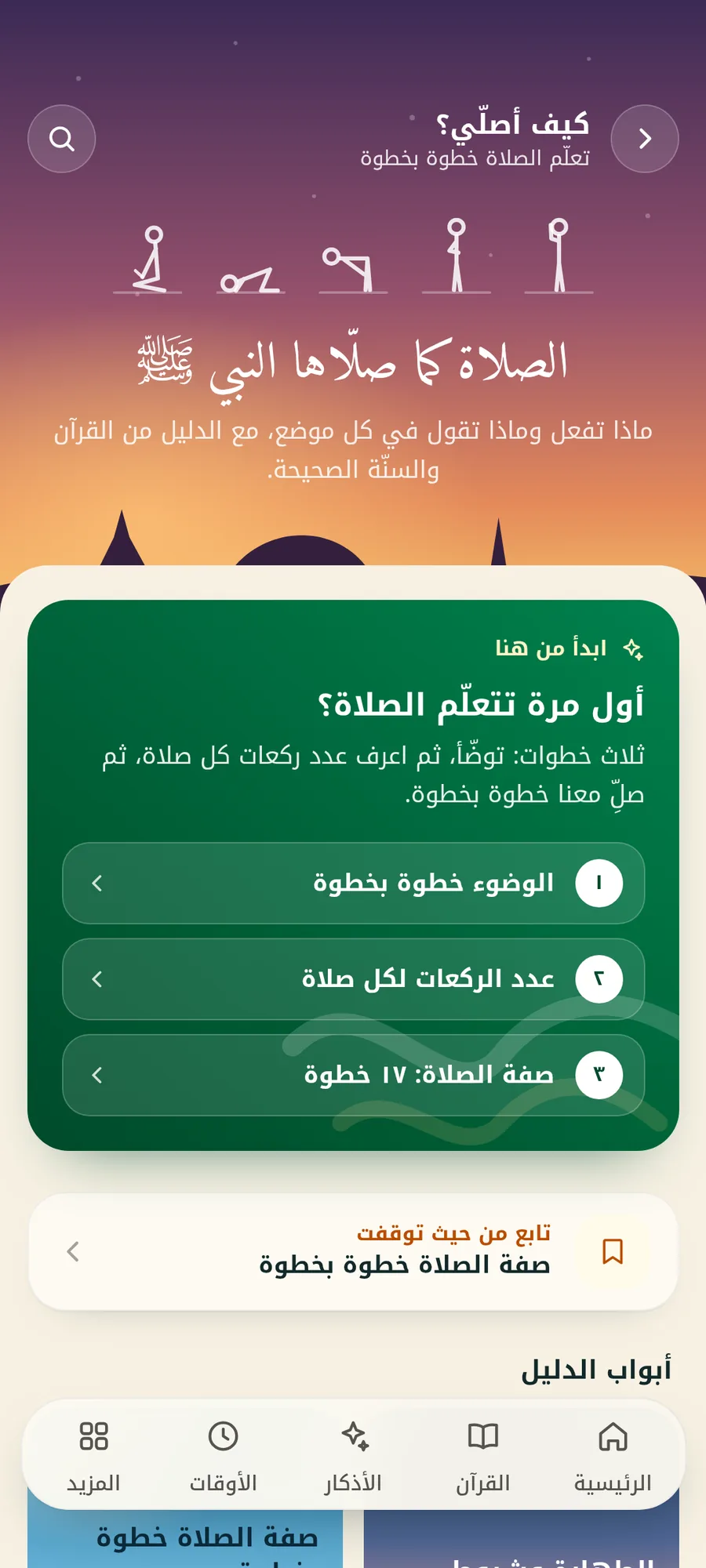
App screen: How do I pray?

Screens

See the app

Real screens from the current version.

The home screen under the night sky
Home follows the time
The Mushaf in colour-coded tajweed
Colour-coded tajweed
Two facing Mushaf pages on a tablet
Two pages on a tablet
The step-by-step prayer guide
How do I pray?
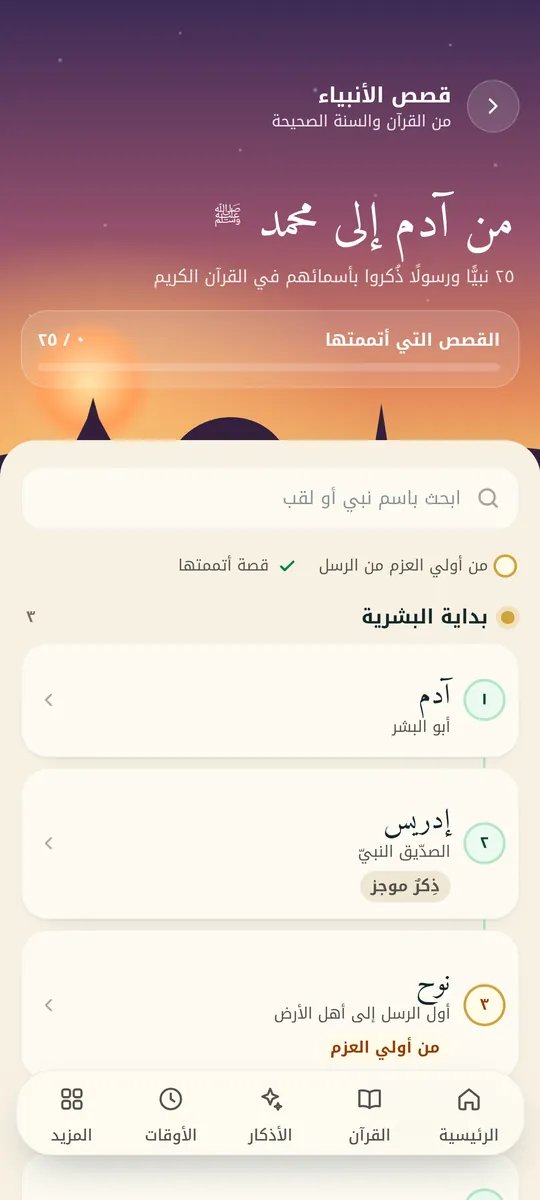
Stories of the prophets in chronological order
Stories of the prophets
A daily memorisation session with verse repetition
Memorisation
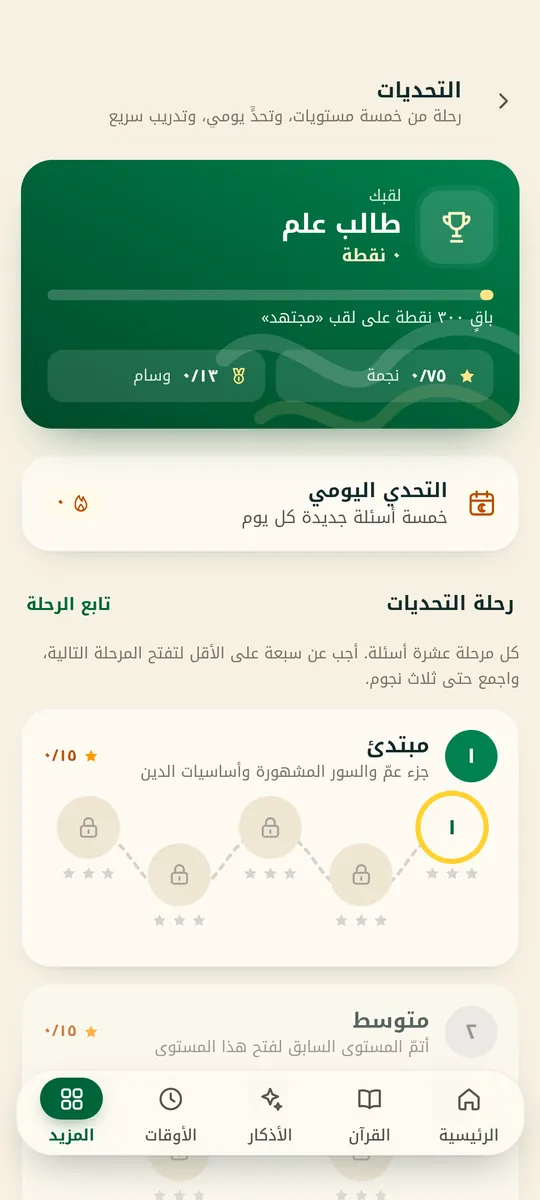
The challenges journey with levels and points
Challenges
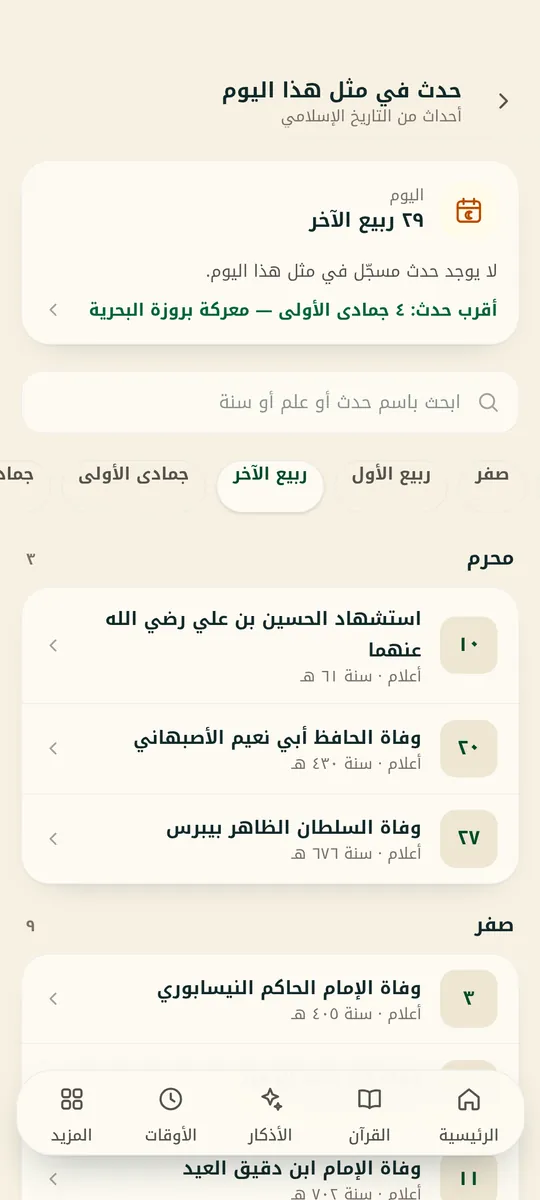
Events from Islamic history on their Hijri date
On this day
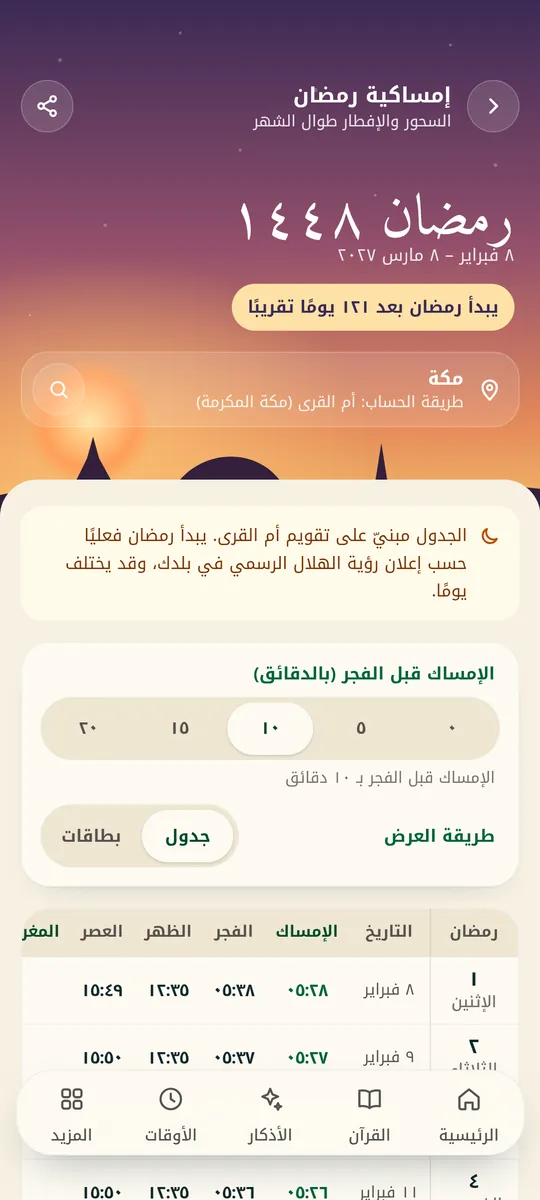
The Ramadan imsakiya with suhoor and iftar times
Ramadan imsakiya
Khatmah plans
Khatmah
The Hijri calendar
Hijri calendar
The zakat calculator
Zakat calculator

Get the app

Get Rattilha now

The app is in closed testing on Google Play. Until it opens to everyone there, you can download it directly from here.

Coming soon

Google Play

Rattilha is in closed testing on Google Play now — once it opens to everyone, you'll get automatic updates from there.

Available now

Android · APK

A direct install file signed with Rattilha's key, asking for no permissions beyond those described in the app.

Download APK

On a computer? Scan the code with your phone.

Install steps and notes
  1. Tap “Download APK” on your Android phone.
  2. Open the file from your notifications or Downloads.
  3. If asked about “unknown apps”, allow your browser once.
  4. Tap “Install” — done.

The website build is separate from the Google Play build: it has a different signature, so the store won't update it, and it may lag behind. To switch to Google Play, uninstall the website build first.

Privacy

Made for worship, not for ads

Your privacy is protected. No sign-in and no ads, and none of your data reaches a server of ours except a message you choose to send via “Send feedback or a suggestion”. Prayer times and qibla are calculated on your phone.

Read the privacy policy
  • Completely free

    Every feature is open to everyone — no subscription.

  • No ads

    Nothing interrupts your reading or your dhikr.

  • Works offline

    The Quran, tafsir, azkar, prayer times, Bukhari and Muslim live on your phone.

FAQ

Frequently asked

Didn't find your answer?Write to us from the app: More → Send feedback or a suggestion, or email support@rattilha.com.

General

Is it free?

Yes — completely free, with no ads and no account.

Does it work offline?

Yes. The Quran text, tafsir, azkar, prayer times, and Sahih al-Bukhari and Muslim all live on your phone. You only need internet to download recitations, Mushaf pages and the extra hadith books the first time, to list nearby mosques, and to refresh the gold price in the zakat calculator.

Is there an iPhone version?

Not yet. The current release is for Android 8 and newer.

Prayer & times

Why does it ask for location?

To calculate prayer times and the qibla direction. You can decline and pick your city manually.

Do prayer times change when I travel?

Yes. When you open the app in another city it updates your location, prayer times and calculation method by itself — or you can pick your city manually.

Why is the adhan sometimes late?

On Android 12 and newer the app needs the “Alarms & reminders” permission to call the adhan exactly on time, and Rattilha shows you a button to turn it on. If the adhan is still late, exclude Rattilha from battery saving in your phone settings.

Content

Where does the content of “How do I pray?” and “Stories of the prophets” come from?

From the Holy Quran and the authentic Sunnah, and the source of every ruling or passage is shown in the app. If you spot a mistake, tell us from More → Report a content error.

How does memorisation work?

Pick a plan — such as Juz 'Amma, Surat al-Mulk, Surat al-Baqarah or your own — and the app gives you a daily portion to listen to verse by verse, repeat, and then test yourself on. What you have memorised comes back for review after a day, then 3 days, a week, two weeks and a month.

Download & contact

If I install it from here, can I update from Google Play?

No. The website build is signed with a different key from the Google Play build, so the store won't update it. To switch, uninstall the website build and then install from Google Play — data saved on your phone, such as bookmarks and settings, is removed.

How do I send a suggestion or report a problem?

Inside the app: More → Send feedback or a suggestion, or email us at support@rattilha.com.

Make the Quran part of your day

Completely free — no ads, no account.